
Branding (Logo & Business Info)
Upload your logo and set the business info that appears on every invoice, estimate, and portal page.
Your branding rides on every document a customer sees: invoices, estimates, portal pages, payment receipts, survey emails. Here's what you can set, and what isn't self-serve yet.
Logo
Settings -> General -> Business Info -> Logo. A PNG with a transparent background works best; 800x800 px is plenty. The file lives in your own secure storage, no external CDN.
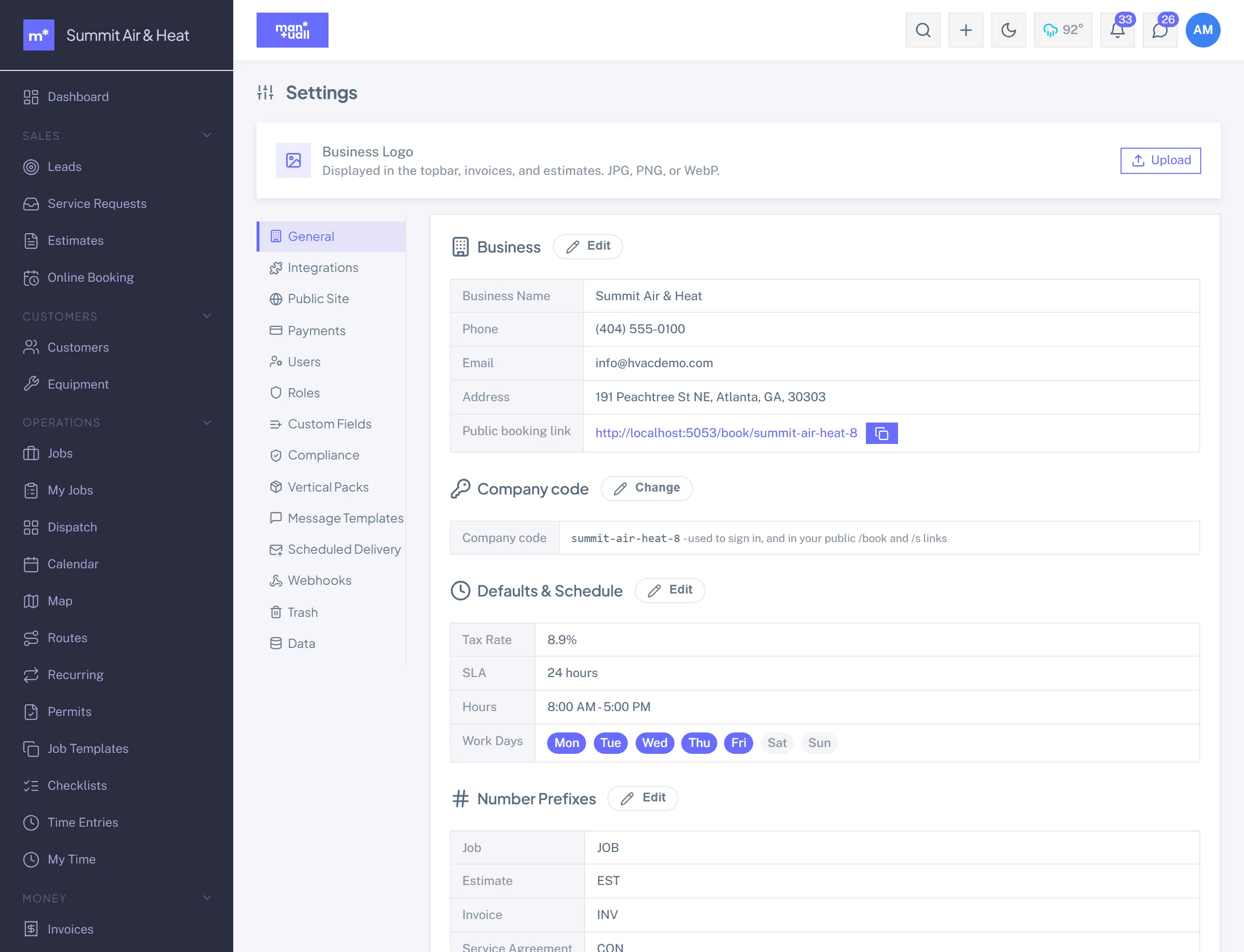
Business name
Tops every customer-facing document, labels the app topbar and the business-switcher pill, and opens the customer-portal welcome line.
Business contact info
Address, phone, email, website. Shows in the footer of estimates and invoices. Use the address customers should mail checks to, if you take them.
What customers see
- Email: your logo at the top, your business name, the job or invoice summary.
- Portal: a branded page with your logo and name.
- Estimate / invoice print: a header with your logo and business info (print to PDF from the browser).
- Survey page: a branded form with your logo.
A small "Powered by Manuall" badge sits in the portal footer. It's a trust signal: customers see there's a real platform handling their data and payments. Your internal screens (sidebar, dispatch board, analytics) stay branded Manuall and are never shown to customers.
Not self-serve yet
- Brand color. The app and portal use Manuall's theme today; a per-tenant color override isn't exposed.
- Custom domain. Pointing your portal at a subdomain of your own domain (for example
account.your-business.com) isn't self-serve. Talk to your account rep.