
Import (CSV)
Bulk-load your records from a spreadsheet when you're moving off another tool.
Bulk-load CSV files when you're migrating off another tool.
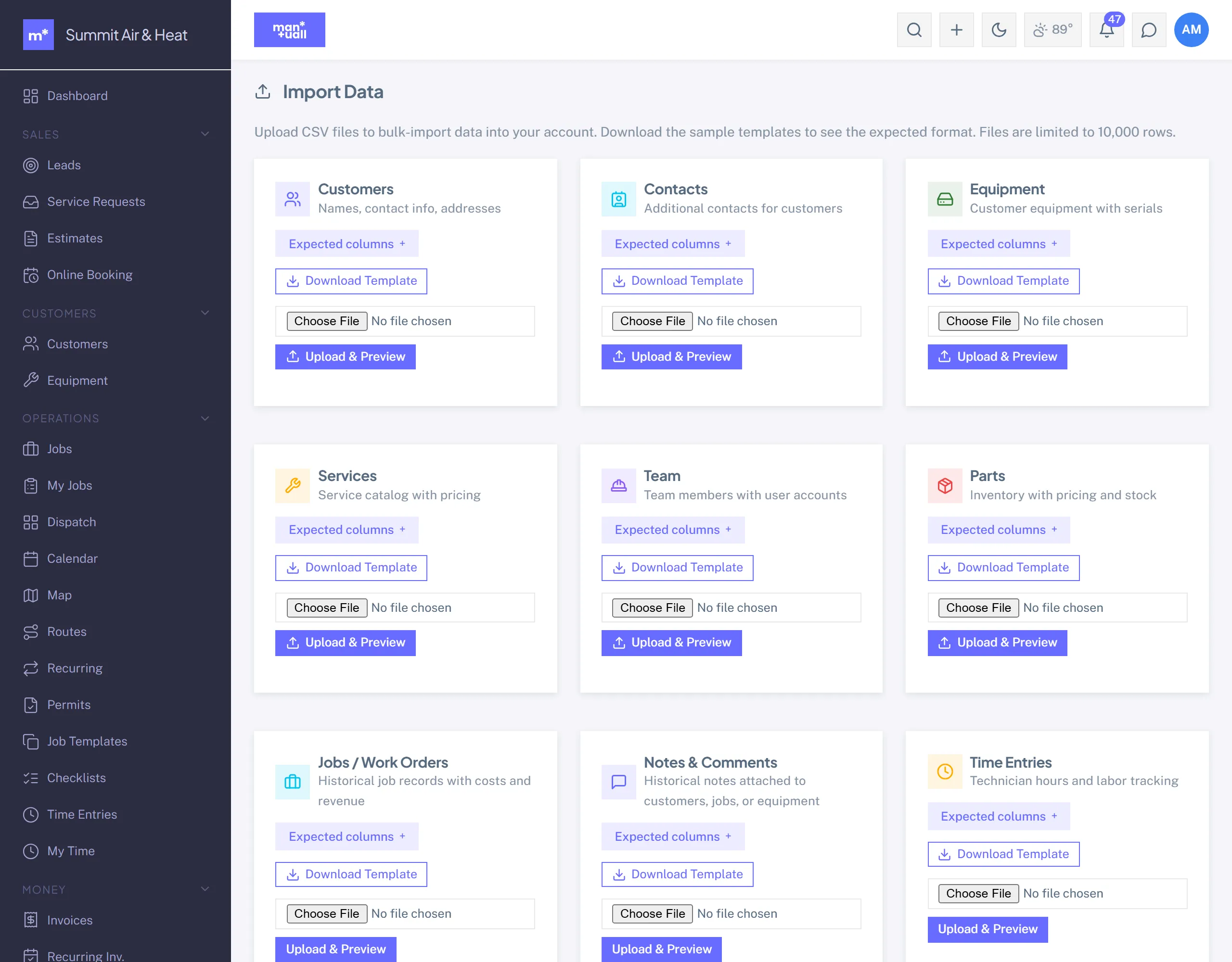
What you can import
The common ones are customers and contacts, equipment, parts, and services (your Price Book). There are also importers for jobs, leads, estimates, invoices, team members, time entries, expenses, vehicles, and service contracts. Pick the type on the Import page.
Workflow
- Settings -> Data -> Import (or go straight to
/import). - Pick the entity type and download the template CSV.
- Fill it in (Excel, Numbers, or Sheets).
- Upload. Manuall previews the parse and flags any mismatches before anything is written.
- Commit. Rows load in batches; an import holds up to 10,000 rows.
Geocoding addresses
Imported customers with service addresses geocode in the background. A failed geocode flags on the customer record so you can fix it.
Plan tier
Import is on every plan. It rides the same flag as the full data export, so onboarding and portability stay open on Starter.