
Jobs
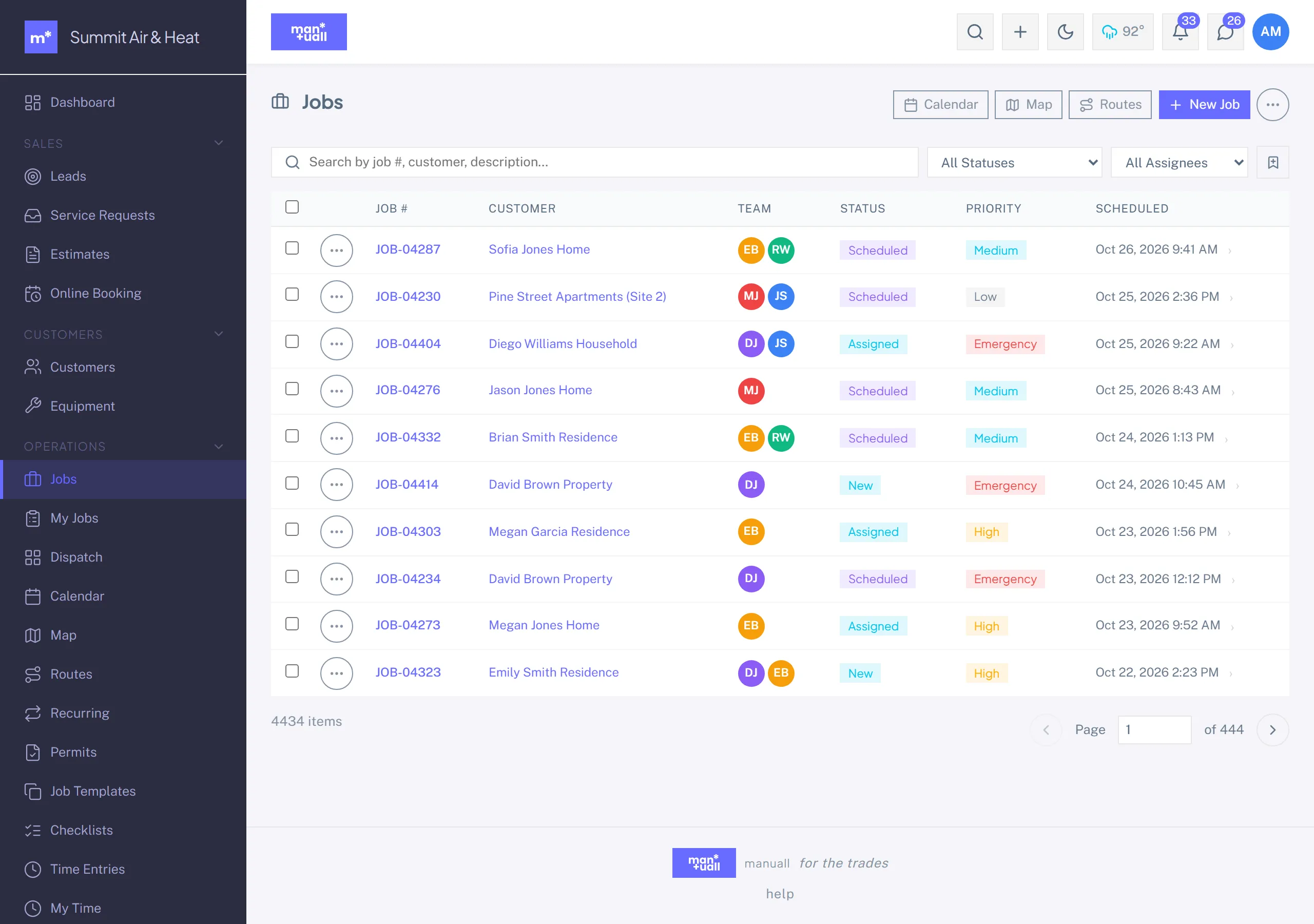
Work orders: status, multi-tech assignment, geo check-in, phases, bulk operations.
Jobs are the unit of work. Almost everything in Manuall (capacity planning, time entries, parts, invoicing, KPIs) orbits the Job record.
What a Job carries
| Field | Use |
|---|---|
| Number | Auto-incremented (for example 1042) with an optional prefix. |
| Customer | Required. |
| Site | If the customer has more than one address, which one. |
| Status | The lifecycle below. |
| Scheduled start / end | The slot the work occupies. Drives Calendar and Dispatch. |
| Assignment | One or more techs. Multi-tech is first-class. |
| Job template (optional) | Pre-fills description, required skills, estimated duration, checklists. |
| Required skills | Gates which techs the slot finder will suggest. |
| Description / Reason / Access notes | Free-form text the tech reads on arrival. |
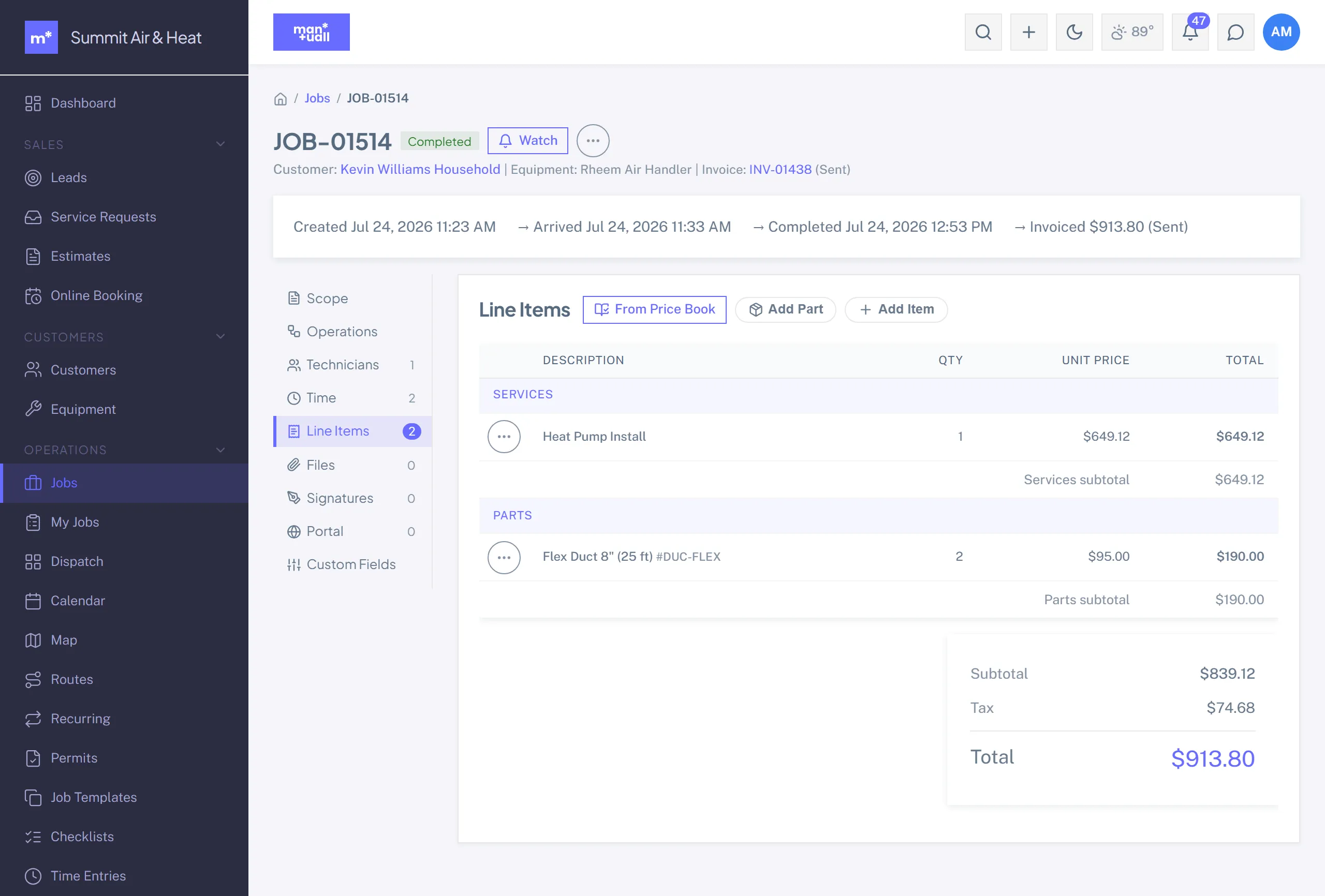
| Line items | Services and parts on the job. These feed the invoice. |
Status lifecycle
Status is a fixed set, so a stray value can't slip in.
| Status | Means | Set by |
|---|---|---|
| New | Created, not yet scheduled. | Auto on create. |
| Scheduled | Has a slot and a tech. | Auto when both are set. |
| Assigned | A tech is assigned. | Assignment action. |
| En Route | Tech is on the way. | Tech taps "On My Way". |
| In Progress | Tech checked in on site. | Auto on Check In. |
| On Hold | Waiting on parts, customer, or approval. | Office action, with a reason. |
| Completed | Work done. | Tech's Complete / Sign Off; fires invoice generation. |
| Cancelled | Won't happen. | Office action, with a reason. |
| Follow-Up | Needs a return visit. | Office or tech action. |
Tabs on the job detail
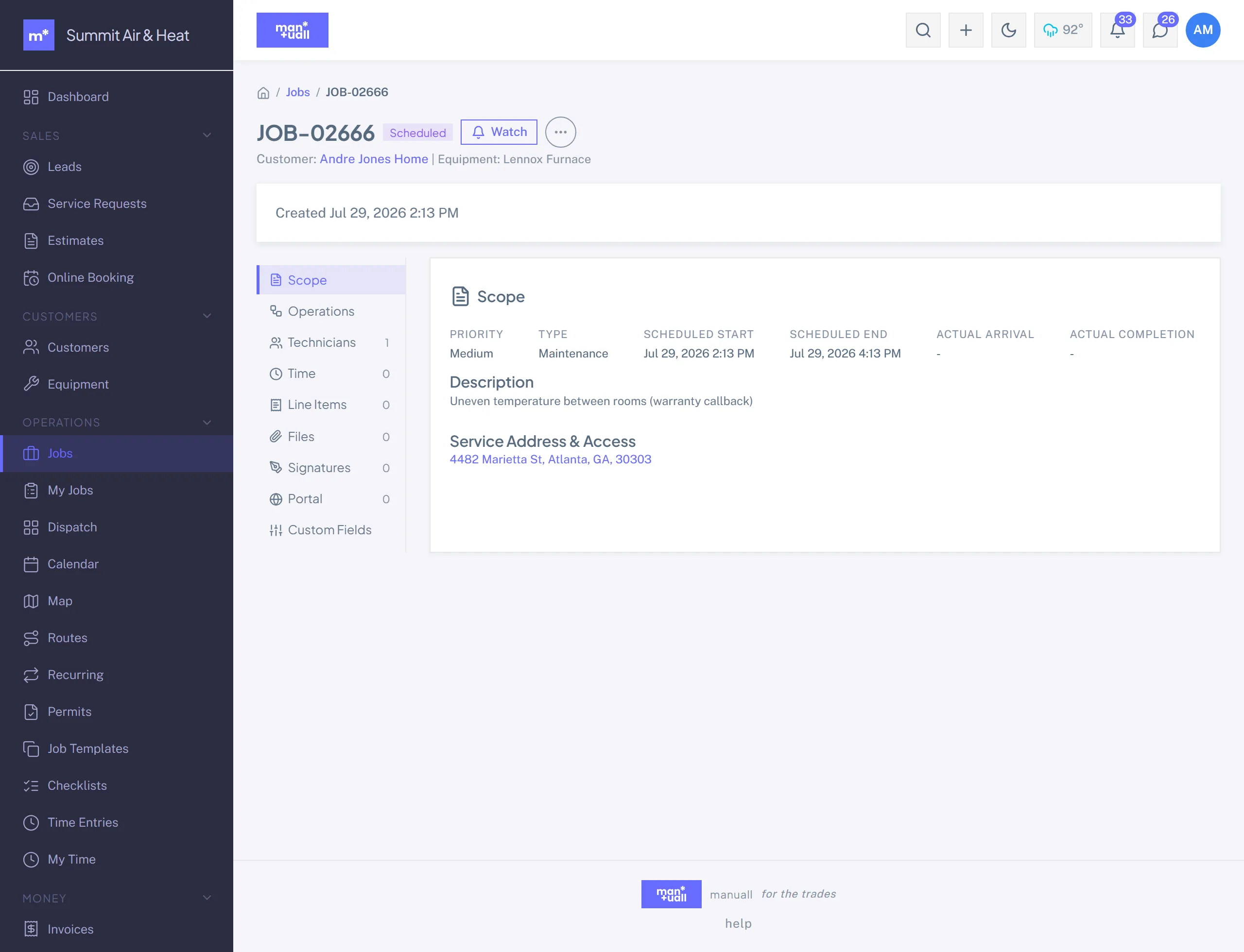
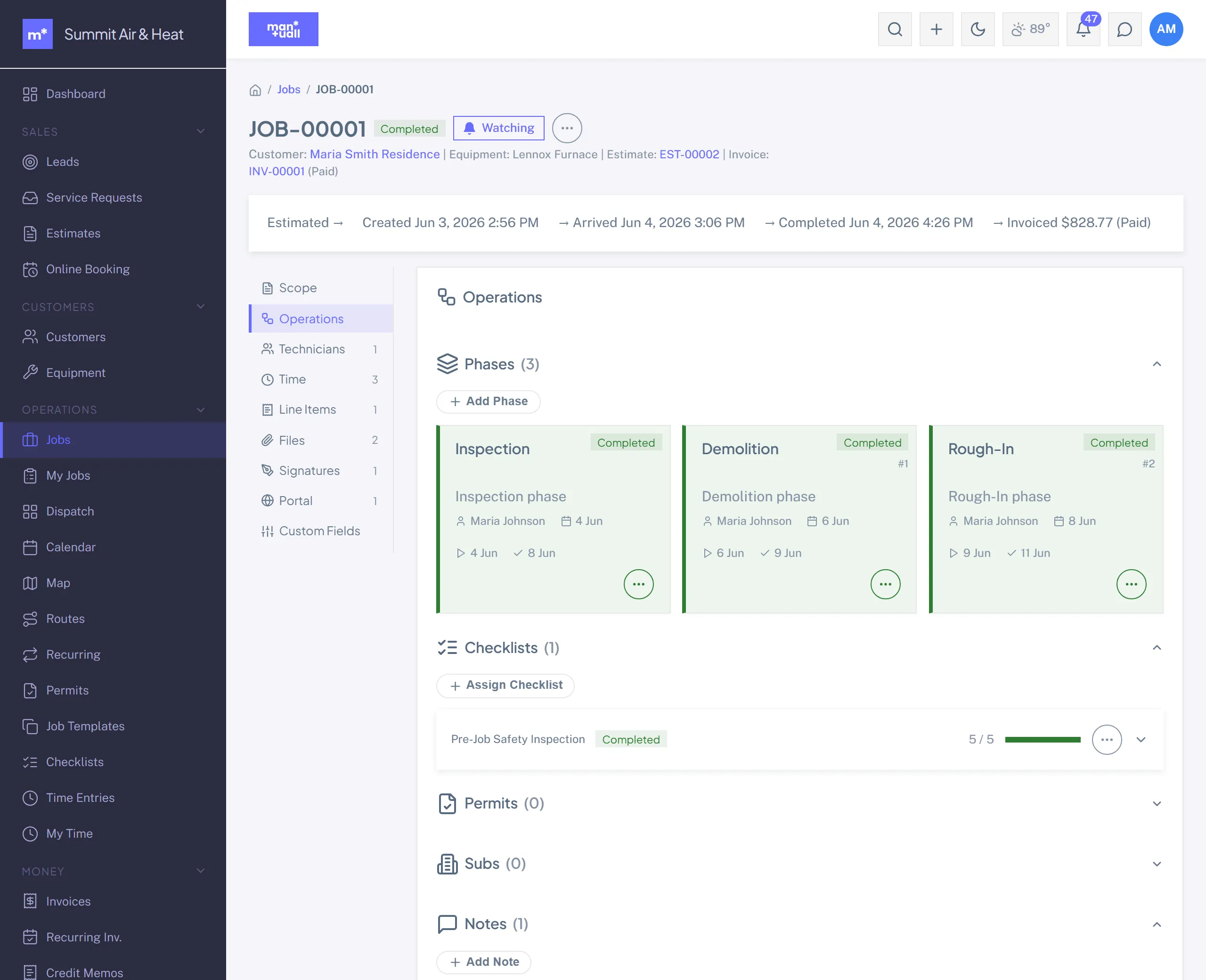
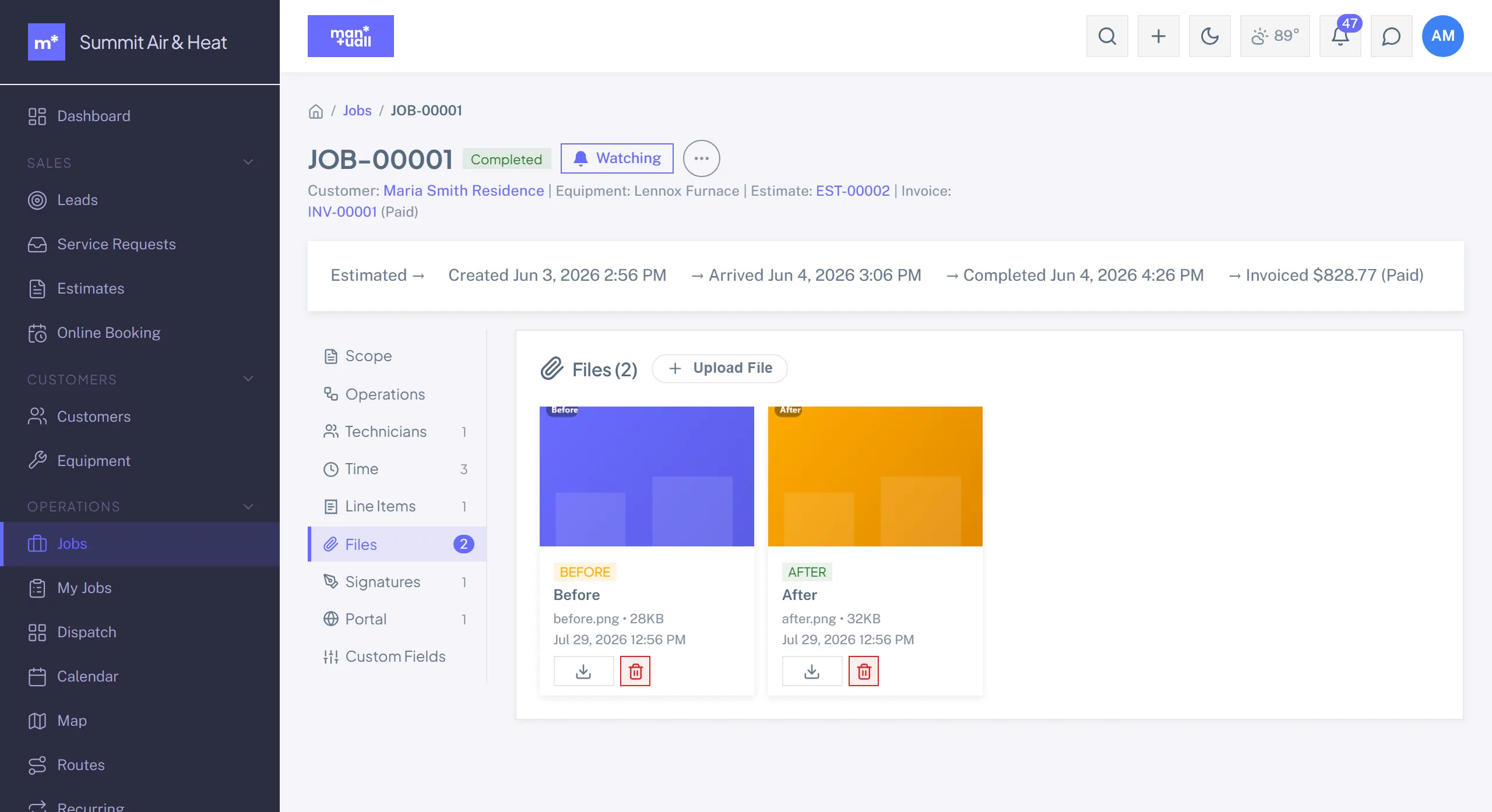
Scope, Operations, Technicians, Time, Line Items, Files, Signatures, Portal, and Custom Fields. Operations is the busy one: phases, checklists, permits, subcontractors, and notes all live under it.
Geo check-in / out
From My Jobs on a phone, the tech taps Check In: GPS coordinates and a timestamp are captured, and the job moves to In Progress. Check Out stamps departure GPS. The arrival-to-departure pair gives you an auditable on-site record. Completing the job is a separate tap.
Multi-tech assignment
Some jobs need two people (heavy equipment, dual trade). Add more than one assignment from the assignment popover. Each tech sees the job in their own My Jobs list, and time entries are tracked per tech.
Job phases
For multi-day or multi-stage work (a remodel, a commercial install): add a Phase with a name, order, and status. Phases carry their own cost tracking. Analytics -> Project Management surfaces phase metrics.
Bulk operations
On the Jobs list, tick rows, then the Bulk Actions menu: change status, assign to a tech, fan out, or delete. Export to CSV is on the list toolbar (it respects your current search and filters).
Plan tier
Jobs is on every plan.