
Warranties
Warranty claim workflow, claim vs approved amount, and a one-click callback job.
Warranty claim tracking with cost detail and a link back to the equipment and customer. For the full callback flow, see Warranties & Callbacks.
Claim fields
- The equipment and customer (and the original job, if there was one).
- Manufacturer and warranty type.
- Issue description and resolution notes.
- Claim amount (what you're claiming) and approved amount (what the manufacturer allowed).
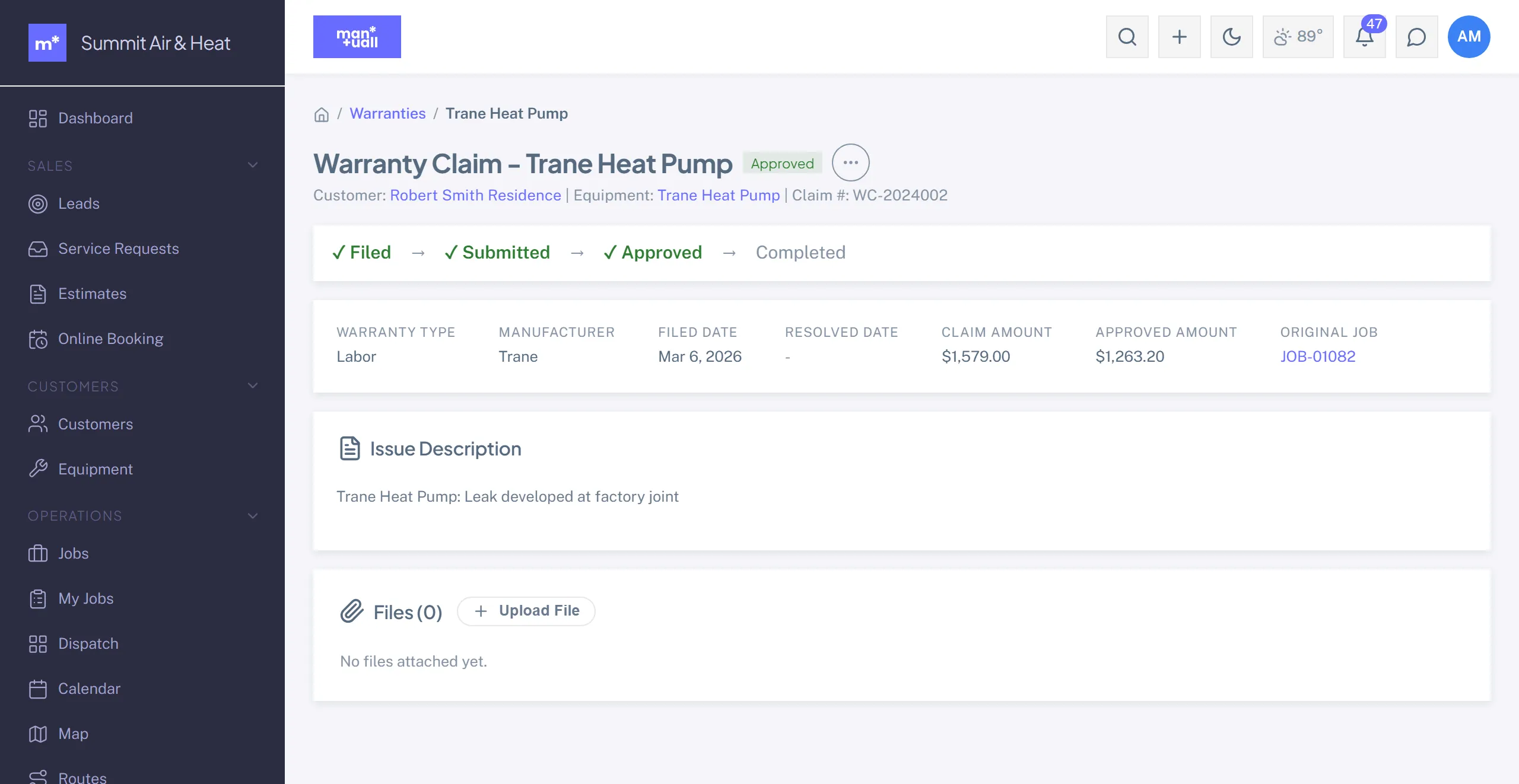
Status workflow
Filed -> Submitted -> Under Review -> Approved or Partially Approved or Denied -> Completed. Denied and Completed are terminal; the claim can't move on from there. Marking a claim Approved, Partially Approved, or Completed requires an approved amount, and it can't exceed the claim amount.
Turn a claim into a job
From the claim, Create Job spins up a callback job linked to the same customer and equipment, pre-titled "Warranty repair: ...", so the rework gets scheduled and tracked like any other job.
In Analytics
Analytics -> Warranty & Claims: total claims, approval rate, total and approved amounts, average resolution days.
Plan tier
Warranties is on Business.