
Troubleshooting
Things go wrong sometimes. Start here.
Things go wrong sometimes. Start here and work down.
Can't log in
- Double-check the Company Code. Spelling matters. Forgot it? It's in your welcome email, or ask another admin (or support).
- Use your password manager; the stored password beats your memory.
- "Forgot password" -> email reset (good for one hour).
- Locked out after too many tries? Repeated failed logins are throttled. Wait a minute, then try once, carefully.
- Still blocked? An admin may have deactivated your account. Ask them.
Pages won't navigate smoothly
Clicking a sidebar link does a full reload instead of a smooth swap, usually a stale build or a script error.
- Hard refresh (Ctrl+Shift+R / Cmd+Shift+R).
- If it started after a release, the hard refresh picks up the latest version.
- Still wrong? Open the DevTools console; a JS error there blocks later handlers. Screenshot it for support.
Tech can't check in (no GPS)
- iOS: Settings -> Safari -> Location -> Allow, or per-site via the aA menu in the address bar.
- Android: Chrome -> menu -> Settings -> Site Settings -> Location -> Allow.
- Airplane mode or no signal? Check In still works; it queues offline. The GPS coords are skipped but the timestamp is captured.
Customer didn't get the email
- Insights -> Email Log for the recipient. Status is Sent, Failed, or Bounced.
- Sent? Ask them to check spam.
- Failed or Bounced? Verify the email address on the customer record.
- Resend from the source (estimate, invoice, portal); the link regenerates.
Stripe payment failed
- Look up the charge in your Stripe activity (or ask support if you don't have direct access).
- Usual causes: insufficient funds, issuer decline, an unmet 3-D Secure challenge.
- Ask the customer to retry, or suggest a different card.
- Or log a manual payment from Invoice detail -> + Payment to clear it.
QuickBooks sync stuck
- Settings -> Integrations -> QuickBooks -> Sync Queue.
- Failed rows show the error (auth expired, customer not found, and so on).
- "Auth expired" -> Reconnect; the OAuth flow refreshes the connection.
- "Customer not found in QBO" -> they may have been deleted in QBO; recreate them or fix the link.
- Retry the failed rows.
Suggest Slots returns nothing
The response lists why each tech was excluded. Common fixes:
- Missing skill -> add it to the tech's profile (Team -> tech -> Skills).
- Outside radius -> widen the radius, or change the customer's service address.
- No free hours -> the tech is full for the next 14 days; reschedule something, or set the slot by hand.
- Blocked -> PTO, sick, or training in the window. Pick another tech.
- No required skills on the job -> every tech qualifies and the finder doesn't gate. That's fine; pick any open slot.
Recurring job didn't generate
- Open the schedule. Is it Paused, Ended, or Inactive? Resume or activate.
- Check the Next Run Date. In the future means nothing fires today.
- Check Occurrence Count against Max Occurrences. Hit the cap?
- Check the End Date. Past?
- Generation runs on a background cycle, so it can be a few minutes behind. Wait, then check.
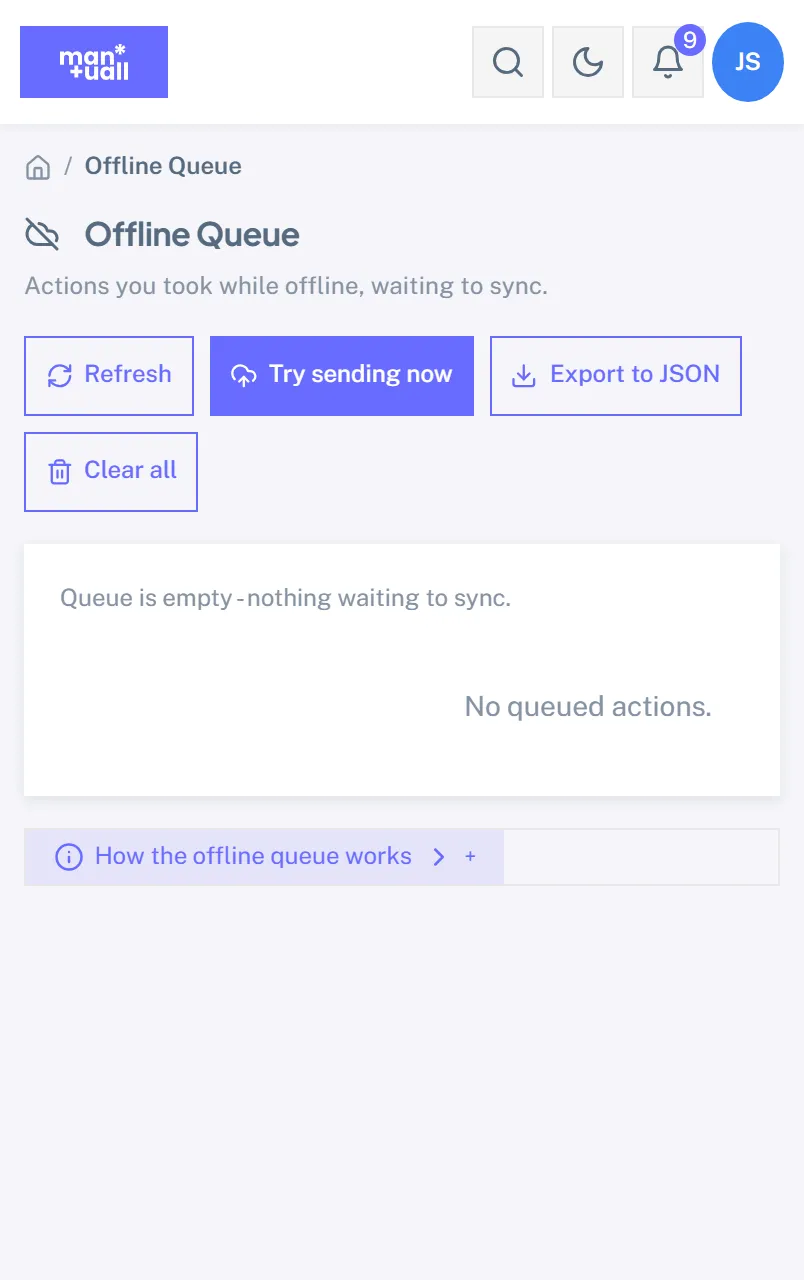
Offline queue won't drain
- Confirm you're actually online (open another site).
- Does the topbar badge say "Sign in to sync N actions"? Your session expired offline. Sign in.
- Still stuck? Fully close and reopen the app.
- If it persists, contact support.
Search returns nothing
In-app search (Ctrl+K):
- Check spelling; the fuzzy threshold is tight on purpose.
- Try a shorter substring ("smith" instead of "smith family").
- As a Technician, your scope is narrower (no invoices or customer financials).
Help search: every word must appear somewhere, so try fewer words, or browse the table of contents on the left.
Data is missing or wrong
- Insights -> Audit Log, filtered by the entity. The before/after diff shows what changed and when.
- Trash -> entity type -> search by name. Soft-deleted? Restore it.
- Permanently deleted? The row is gone, though the Audit Log keeps the delete event.
Still stuck?
Contact your account rep, or email support with your Company Code, the URL you were on, a screenshot, and what you expected versus what happened.